




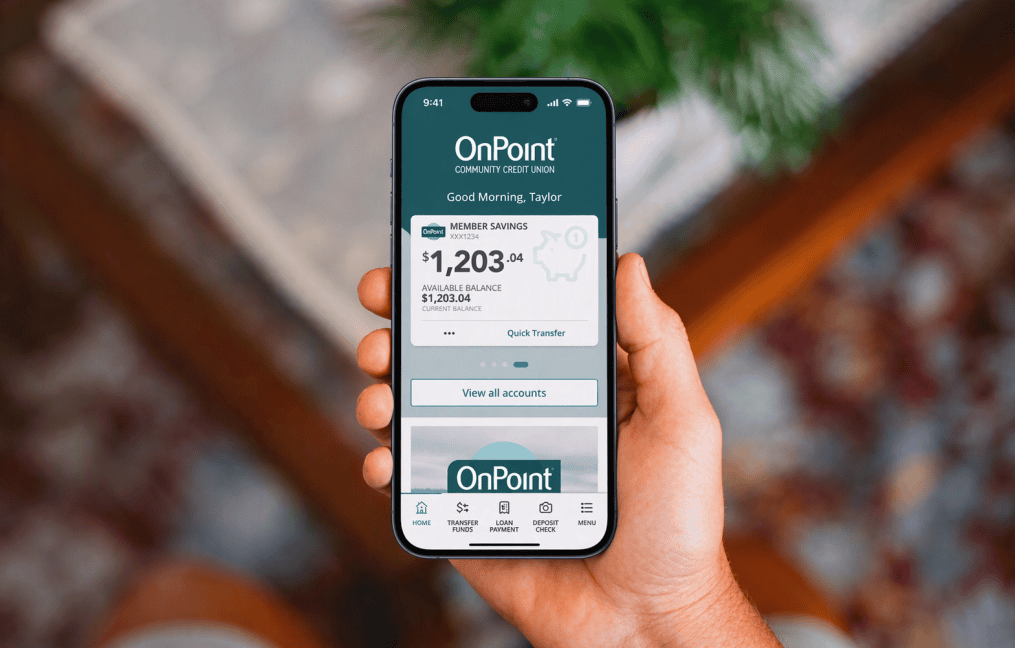
A Digital Banking Modern Experience
New look, same service, improved access.
A refreshed Digital Banking experience is designed to make it more intuitive to navigate, find what you need, and access the accounts and features you use most. While your login, password, accounts, and functionality will stay the same, there will be visible changes to your home page and navigation. Here’s what you can expect.
What will change.
Customized accounts view.
Select up to five accounts for high-visibility access to the accounts you use the most. You can change out these favorite accounts and their order at any time.
Enhanced account visibility.
Account tiles now provide helpful information, including upcoming payment amounts, due dates, and quick actions for transfers and payments. Color-coded indicators make it easier to identify important account information, including negative balances and past-due payment dates.
Recent transactions.
Review a streamlined feed of recent transactions, either combined for all accounts or filtered by individual accounts. When you filter the feed to a specific account, that selection is saved when you log out, so you’ll see the same filtered view the next time you log in.
Support and resources.
Access your eStatements, find branches and ATMS, send a secure message, or use the “Contact Us” feature all from one convenient Help tile on your dashboard.
Desktop navigation.
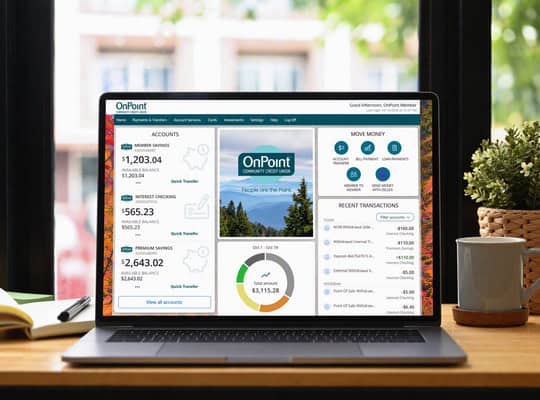
When you access Digital Banking on a desktop through a web browser, the navigation menu is moving from the left side to the top of the screen. Clicking a menu category opens a new, descriptive landing page. Find the service you need with our informative tiles and with no added clicks.
The updated navigation makes it easier to find the services and tools you use every day. Categories are organized with clearer descriptions and quick access to related actions, helping you move through Digital Banking more confidently while keeping all of the same features and functionality you rely on today.
Where to find the tools you need.
The menu continues to provide access to all of your trusted services and tools. Plus, the redesigned home screen introduces convenient new quick-access tiles, putting commonly used features front and center for fast, easy navigation and a streamlined digital banking experience.
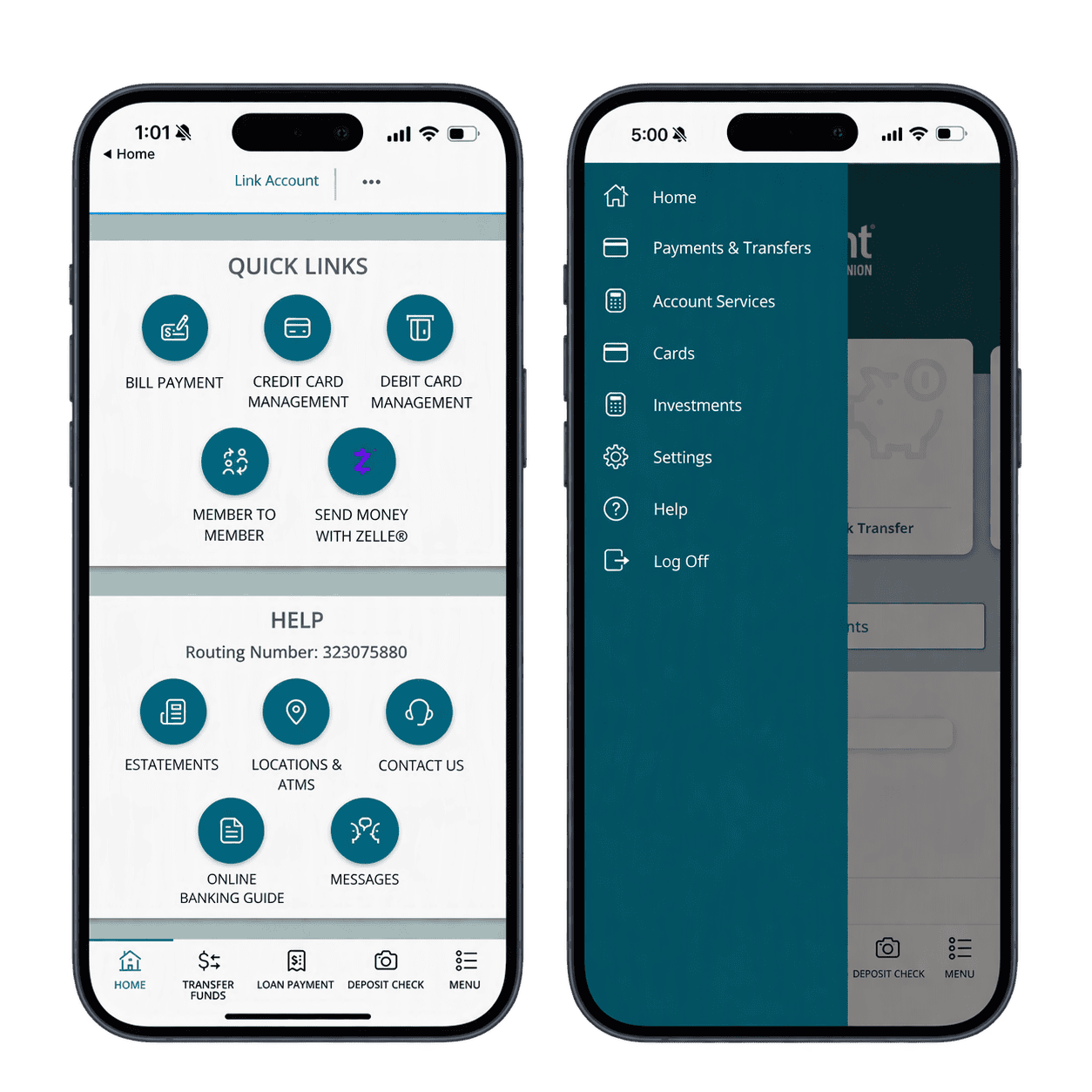
Faster navigation.
The new home screen puts key banking features within easy reach.
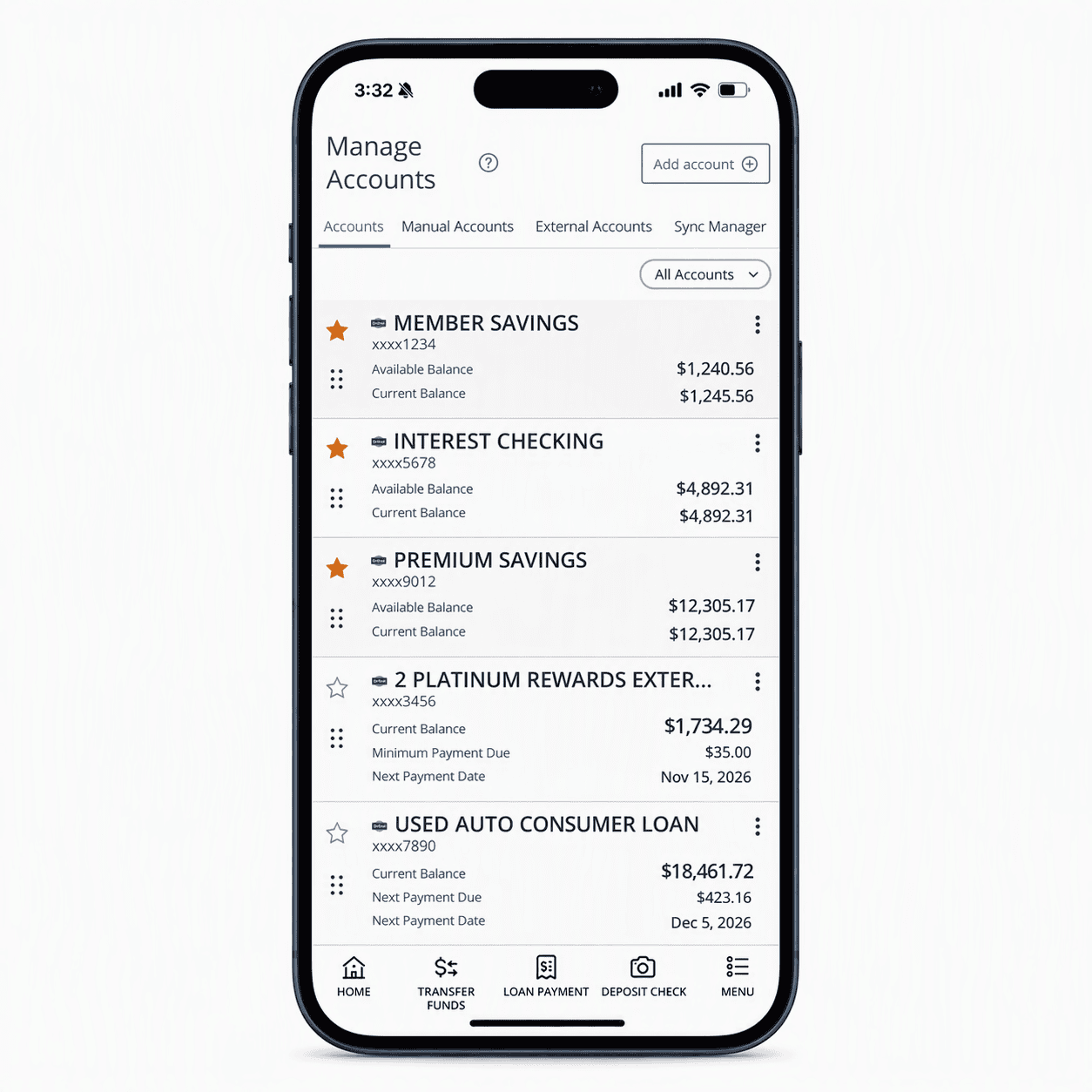
Additional account information.
Account tiles include next-payment dates and payment shortcuts.
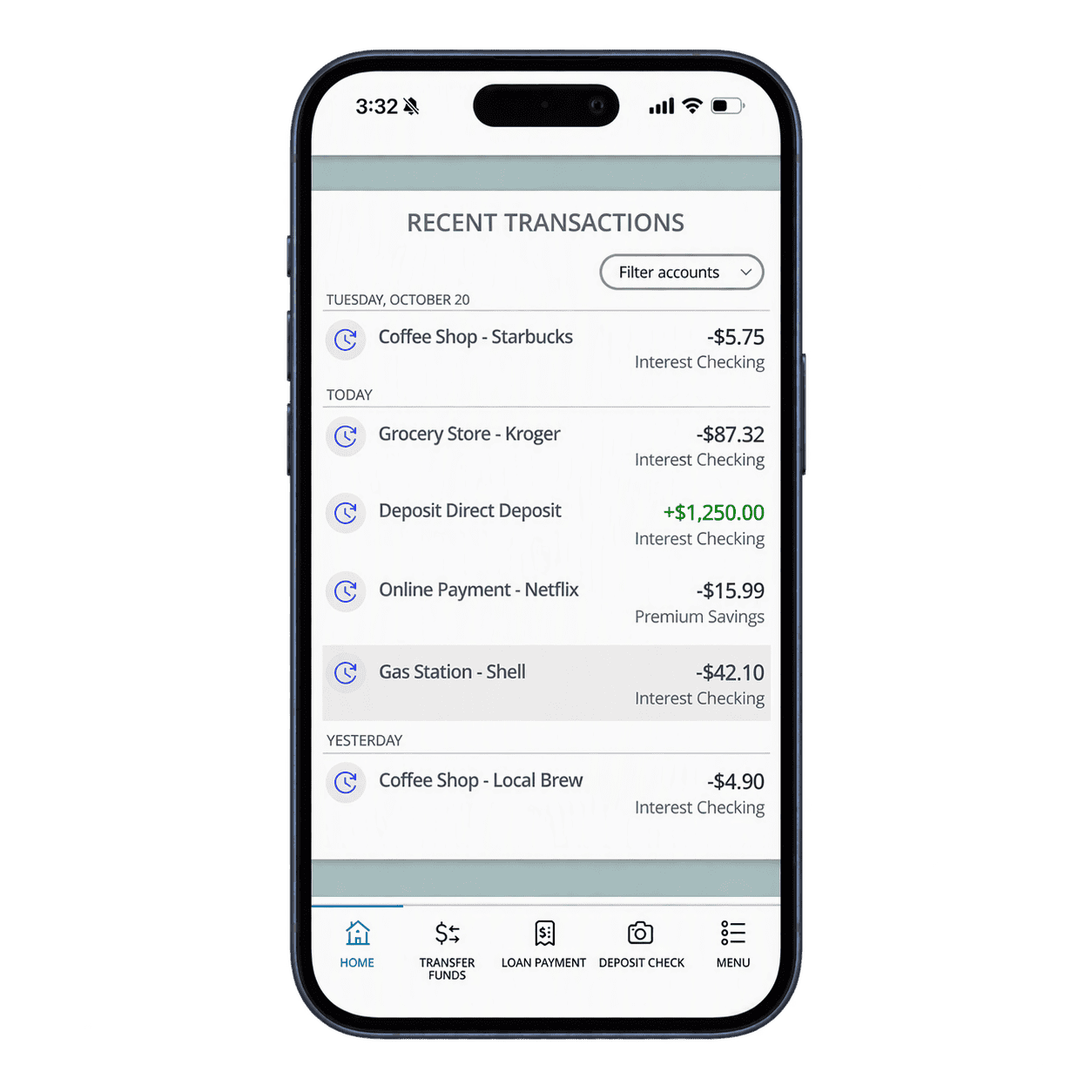
Recent transactions.
Quickly view your recent transactions to stay on top of your account activity.